One Account. Every Device.
Desktop power, mobile convenience, or browser simplicity - choose the experience that fits your workflow. All synced seamlessly.
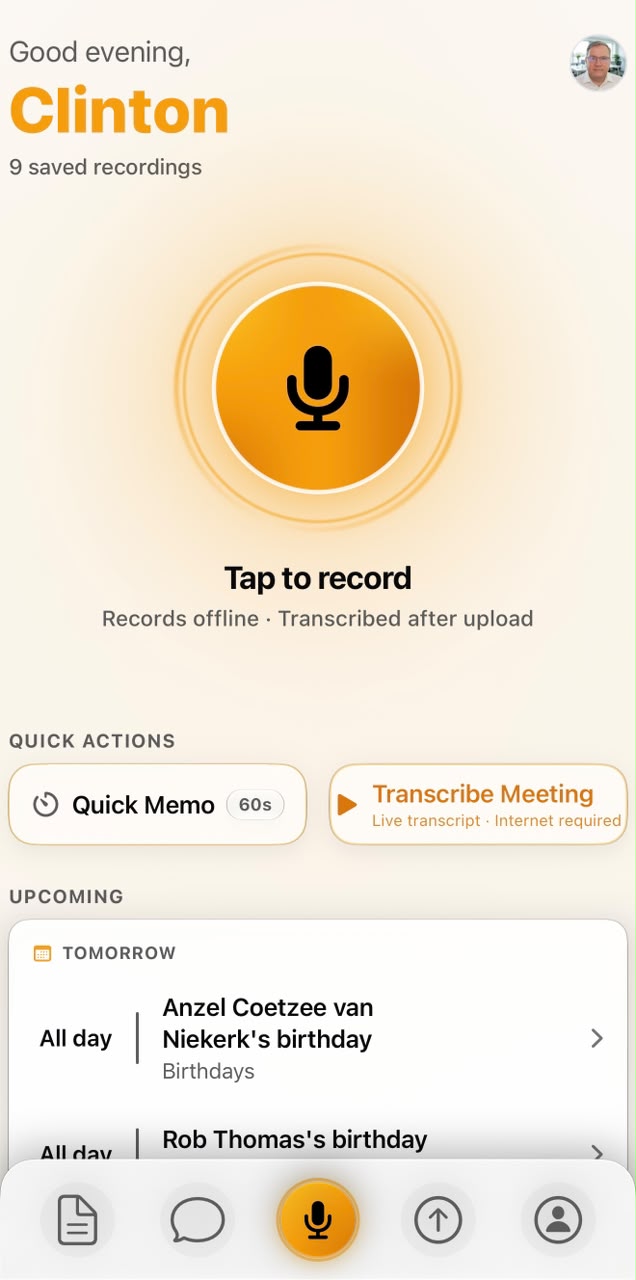
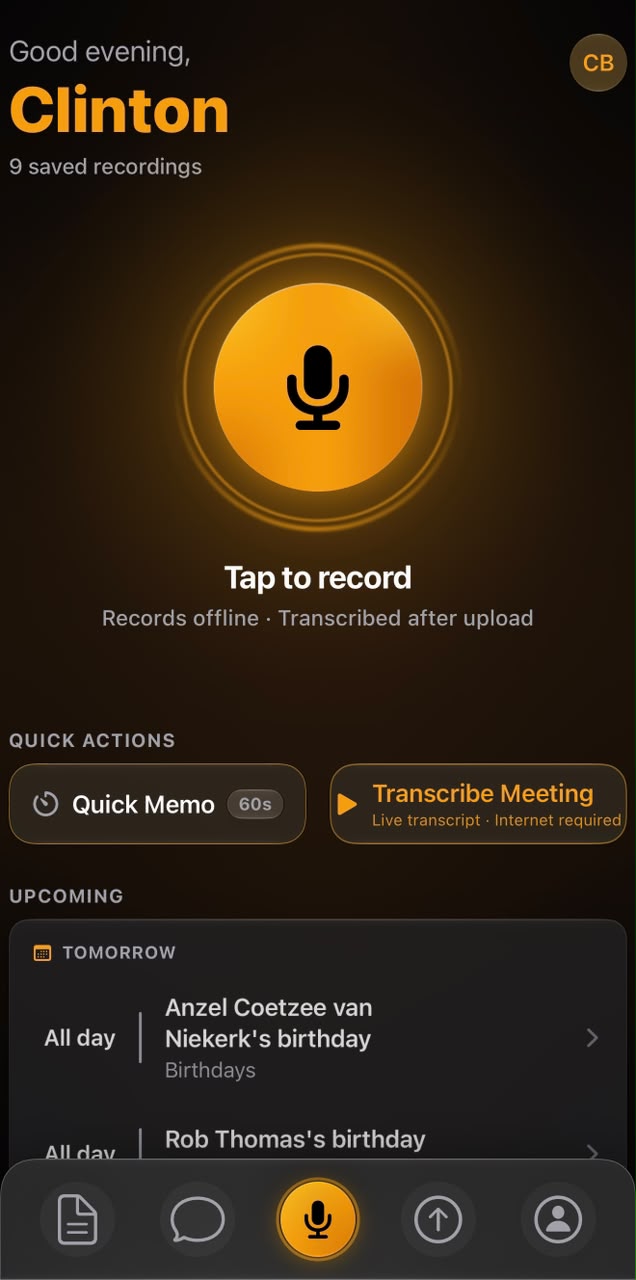
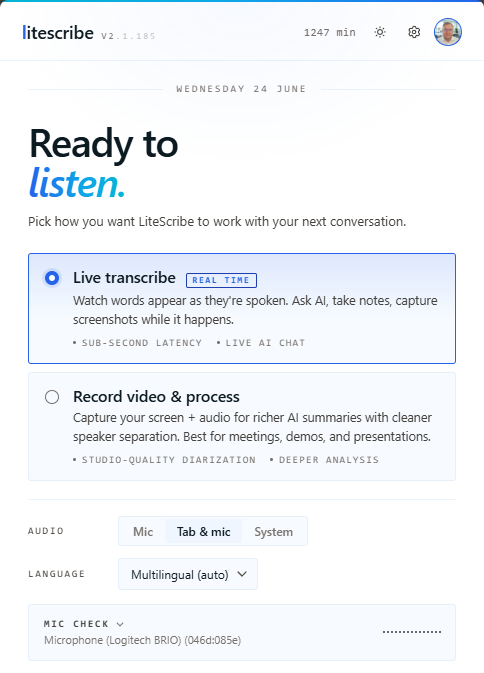
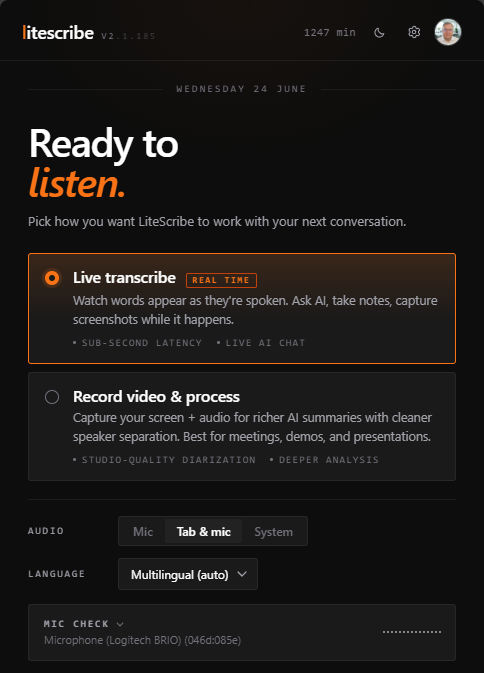
- Platforms
- 6
- Languages
- 99
- AI Models
- 14+
- Sync
- ∞
Your Transcripts, Everywhere
Everything syncs through your LiteScribe account. Start a recording on one device, review it on another.
Cloud Sync
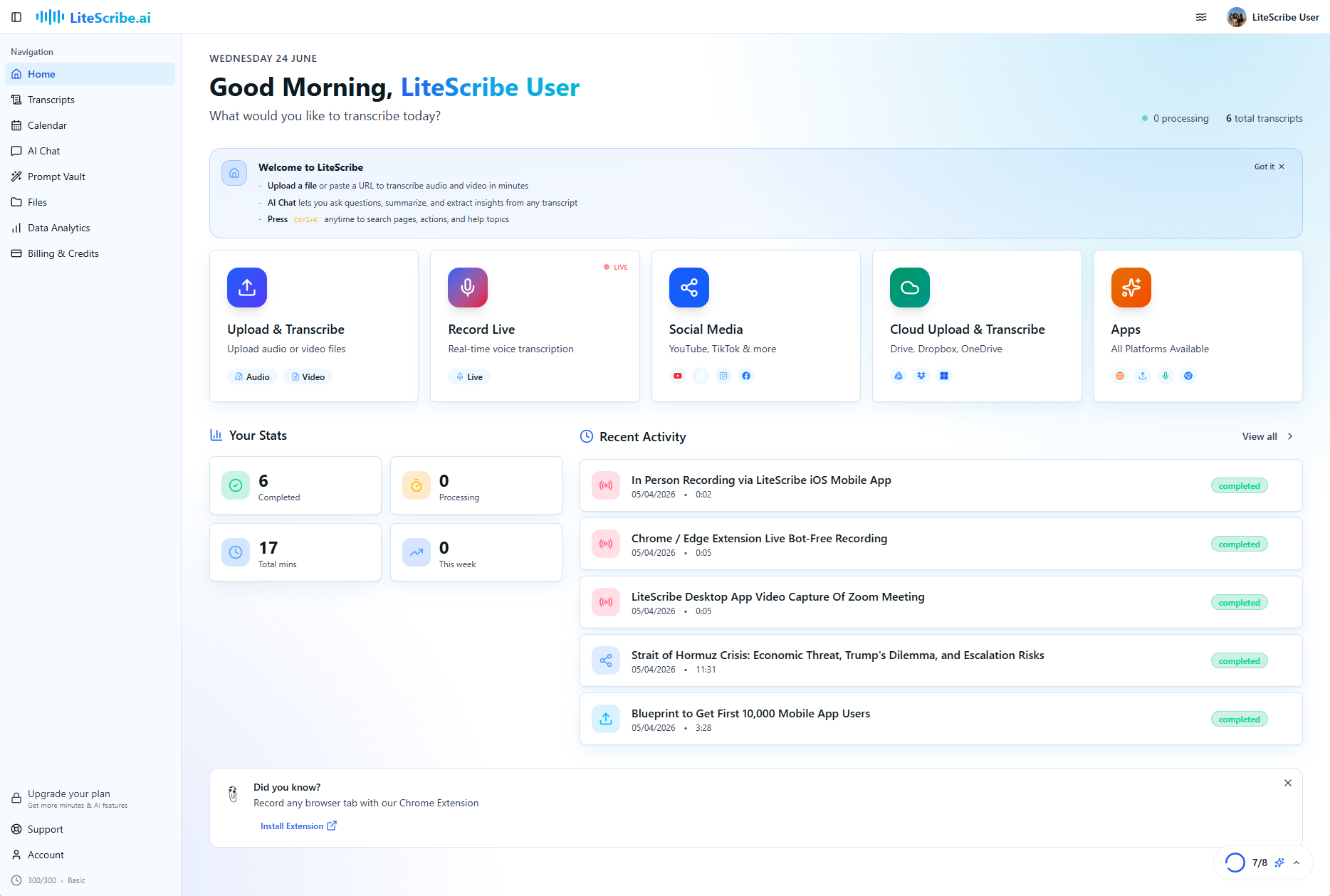
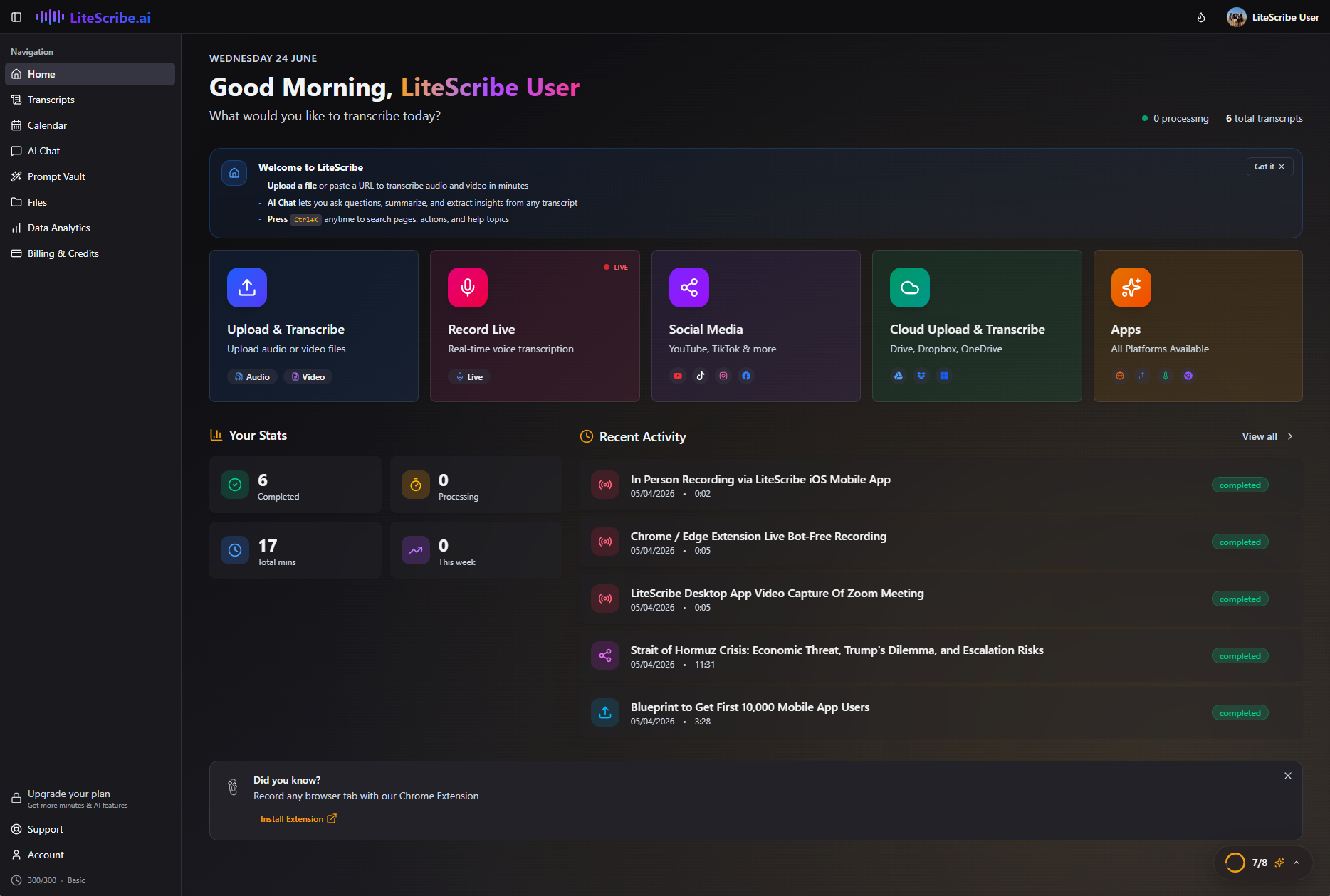
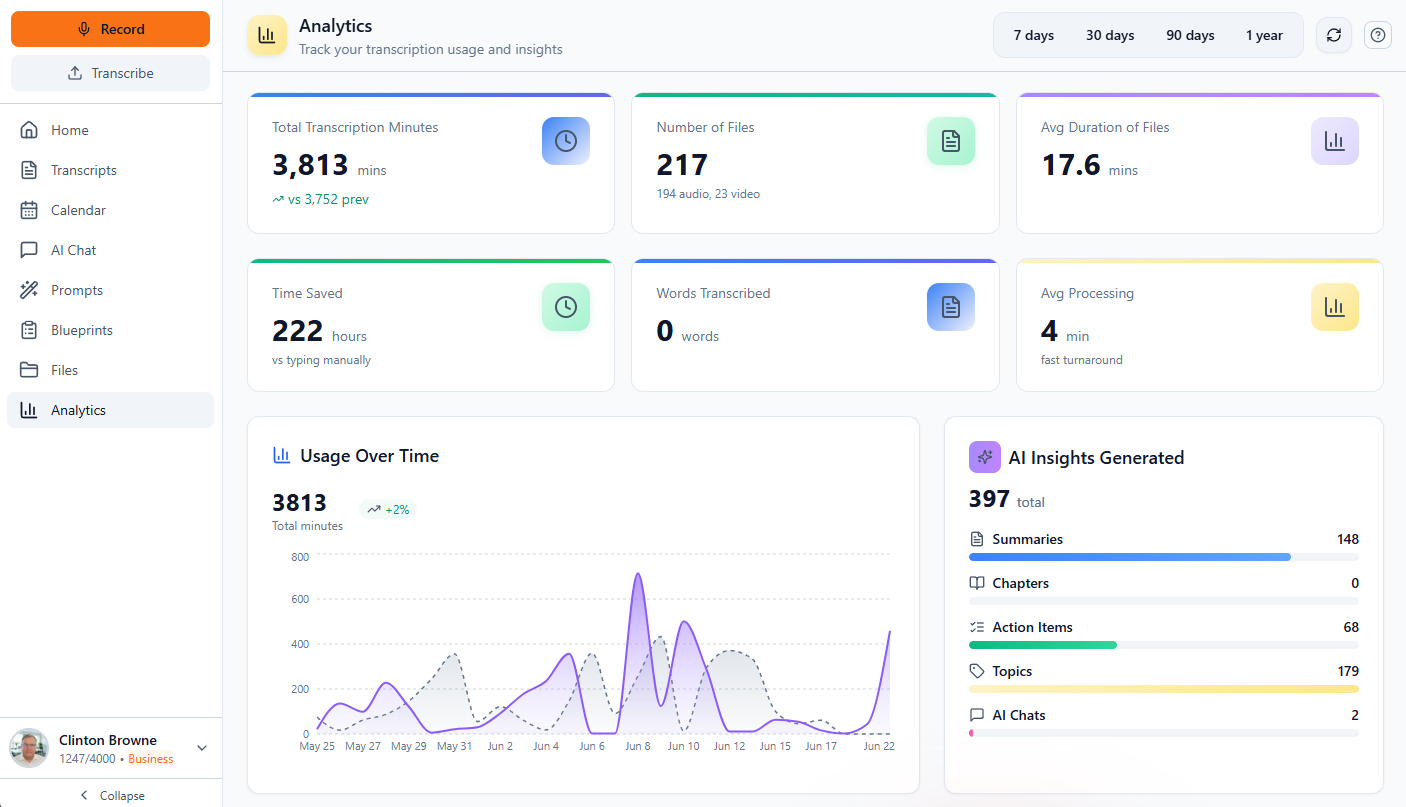
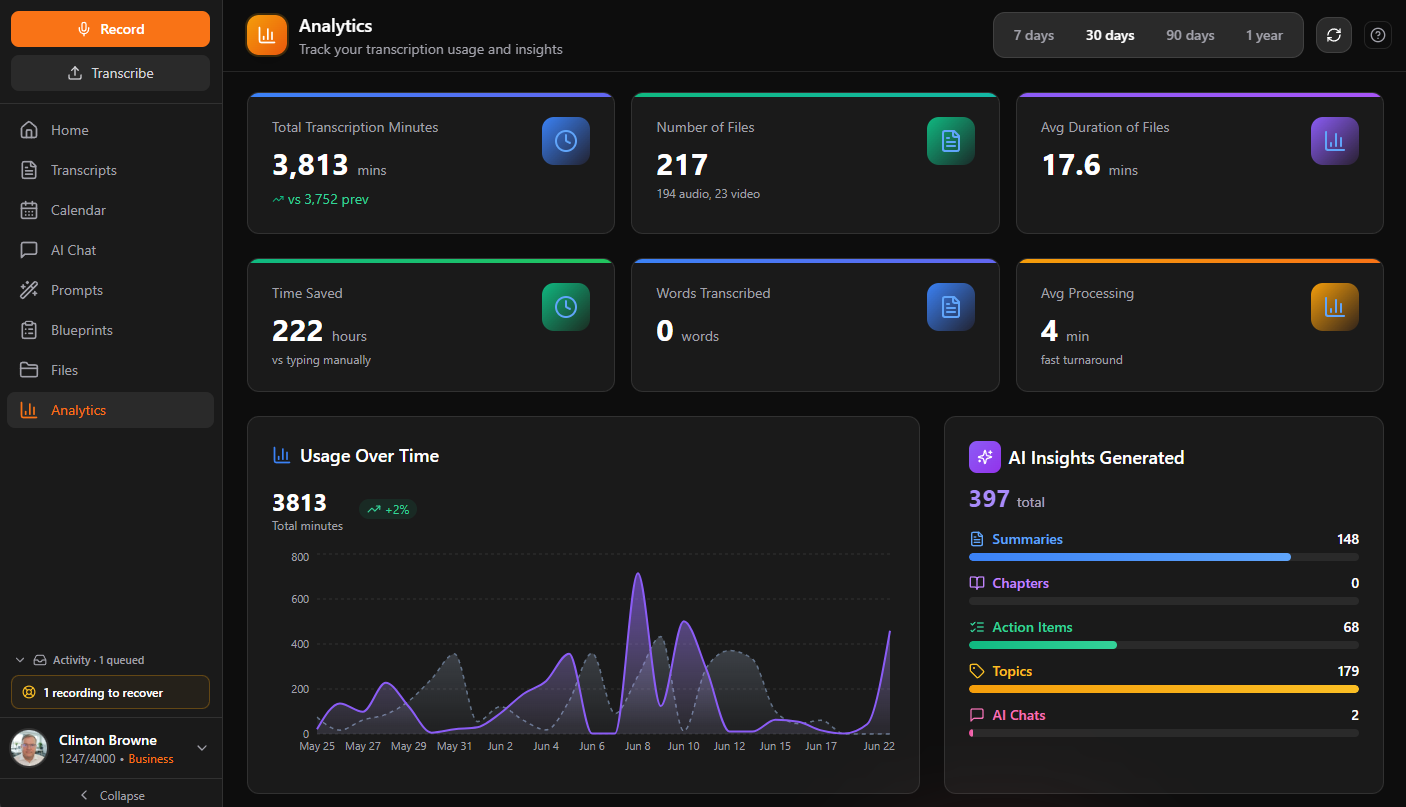
- Web App
- Desktop
- Mobile
- Extension
Get started in seconds
No complicated setup. Choose your platform and start transcribing.
- 01
Download & Install
Choose your platform - Windows, Mac, Linux, iOS, or add our Chrome extension. One-click setup.
- 02
Sign In & Sync
Log in with your LiteScribe account. All your transcripts, settings, and minutes sync instantly.
- 03
Start Transcribing
Record live, upload files, paste social links, or capture meetings. AI does the rest.
Choose Your Experience
Each app is tailored for its platform while keeping your data perfectly in sync.
Key Features
- Live voice transcription in your browser
- Upload audio & video files (up to 5GB)
- Import from YouTube, TikTok & social media
- Cloud storage integration (Drive, Dropbox, OneDrive)
- AI Chat with 14+ LLM models, included free
- Full export suite (PDF, DOCX, PPTX, SRT, TXT)
Key Features
- Live voice transcription with real-time mic capture
- Screen recording with smart screenshots
- Offline access - view transcripts without internet
- Automatic updates - always get the latest version
- System tray integration for quick access
- Native file drag-and-drop support
Same app either way. The direct download updates itself as soon as a new version is out; the Microsoft Store version updates through the Store.
Tour the Desktop AppKey Features
- Voice memos and meeting recordings
- Offline transcription viewing
- Share transcripts via any app
- Cloud sync across all devices
- Background recording support
- Quick-access recording widget
Key Features
- Record Chrome tabs, windows, or entire screens
- Audio-only mode for meetings and calls
- Smart screenshot capture with hotkeys
- Automatic upload to LiteScribe
- Works with Zoom, Teams, Meet & more
- Lightweight - runs in the background
Feature Comparison
See exactly what each platform offers at a glance.
| Feature | Web | Desktop | Mobile | Extension |
|---|---|---|---|---|
| Core | ||||
Live Transcription Real-time streaming, live captions | ||||
Audio & Video Upload MP3, MP4, WAV, M4A, MOV & more | ||||
Speaker Diarization Auto who-said-what, tap to rename | ||||
Multi-Language Transcription 99 languages, auto-detect | ||||
Translation Translate audio to a target language | ||||
Audio & Video Playback Transcript-synced, 0.5x to 2x speed | ||||
Collections Color-coded collections, move, rename | ||||
| Recording & Capture | ||||
Meeting Mode (Bot-Free) Silent capture, no bot joins the call | ||||
Meeting Detection Zoom, Teams, Meet, Webex, Slack | ||||
System Audio Capture Loopback + mic for the full meeting | ||||
Screen Recording Capture screen + audio to MP4 | ||||
Smart Screenshots Hotkey region capture into notes | ||||
Bookmarks & Idle Auto-Pause Ctrl+B markers, silence auto-pause | ||||
Crash & Audio Recovery Local backup, restore after a kill | ||||
Background Recording Keeps recording while you multitask | ||||
| AI & Insights | ||||
AI Meeting Notes & Enhancement Streaming AI cleanup, section enhance | ||||
In-Meeting AI Chat (Ask Anything) Ctrl+J, slash commands, suggestions | ||||
AI Chat over Transcripts (RAG) Multi-transcript, shareable sessions | ||||
Summaries, Topics & Sentiment Auto summary, topics, sentiment | ||||
Auto Chapters Timestamped sections for long audio | ||||
Meeting Critique & Coverage Map Health scores, decisions, topic rail | ||||
Tone Polish Tighter, friendlier, formal, my-voice | ||||
Multi-Provider LLM & BYO Keys OpenAI, Anthropic, Gemini, Groq & more | ||||
| Import & Export | ||||
Social Media / URL Import YouTube, TikTok, 70+ platforms | ||||
Cloud Storage Import Google Drive, Dropbox, OneDrive | ||||
Document Exports TXT, SRT, DOCX, PDF, PPTX | ||||
Sharing & Collaboration Invite by email or share link | ||||
| Integrations & Workflow | ||||
Prompt Vault Templates, favorites, slash commands | ||||
Blueprints (Meeting Templates) 22 built-ins, 8 categories, import/export | ||||
Calendar Integration Google Calendar, Outlook, reminders | ||||
Zapier & API Keys Connect 8,000+ apps via Zapier | ||||
Siri, Shortcuts & Widgets Voice control, Lock Screen widgets | ||||
| Privacy & Offline | ||||
LiteScribe Local Transcription EngineNew Fully on-device, the audio never leaves your machine | ||||
LiteScribe Local LLM ModelsNew Small, Medium, Large, X-Large (2B to 27B) | ||||
GPU-Accelerated Local AINew NVIDIA CUDA, Vulkan, Apple Metal | ||||
PII Redaction & Guardrails Redact PII, profanity, moderation | ||||
Cloud Sync Privacy Levels Local, text, audio or everything | ||||
Offline Mode & Sync Queue Cached offline, replays on reconnect | ||||
Built for the way you work
Different workflows, different app combinations. Find yours.
Remote Teams
Record every Zoom, Teams, and Meet call. Search across all your meeting history instantly.
Students & Researchers
Record lectures on your phone. Review with AI summaries on the web. Export quotes for papers.
Content Creators
Screen-record with smart screenshots. Pull transcripts from YouTube, TikTok, and Instagram.
Executives & Consultants
Voice memos on-the-go. Offline review on desktop. AI-powered search across all client calls.
Works seamlessly with the tools you already use
- Zoom
- Google Meet
- Microsoft Teams
- YouTube
- TikTok
- Google Drive
- Dropbox
- OneDrive
One Platform, Four Experiences
Each app is optimized for different workflows. Use one or all of them.
Most Powerful
Web App is our most feature-rich platform. Access everything instantly from any browser.
Open Web AppBest for Power Users
Desktop app for those who prefer local tools. Offline access and deep OS integration.
Download DesktopBest for On-the-Go
Record voice memos and meetings anywhere, with instant cloud sync to all devices.
Get Mobile AppBest for Meetings
Capture online meetings from Zoom, Teams, Meet, and any browser tab automatically.
Add to ChromeYour most sensitive recordings never have to leave your device
With Local Mode on the desktop app, the LiteScribe Local Transcription Engine and Local LLM Models run 100% on your own machine. The audio is never uploaded to a server or sent to a third-party AI, and neither is the transcript once you mark local transcripts private.
Frequently Asked Questions
Everything you need to know about the LiteScribe apps.
Is the LiteScribe desktop app really 100% offline?
Yes. With Local Mode (on paid plans and packs), the LiteScribe Local Transcription Engine and Local LLM Models run entirely on your own machine. Your audio is transcribed and summarized without ever being uploaded to a server or a third-party AI. The transcript syncs to your own LiteScribe account unless you mark it private.
Does my audio or transcript ever leave my device?
In Local Mode on the desktop app your audio never leaves your machine, full stop. The transcript syncs to your own LiteScribe account by default so you can reach it from any device, and stays on the machine with the audio once you mark local transcripts private. In cloud mode and on other platforms, your audio is processed securely and you control sync with per-recording privacy levels: local-only, text-only, audio, or full sync.
Does the browser extension work on Microsoft Edge?
Yes. LiteScribe is published on both the Chrome Web Store and the Microsoft Edge Add-ons store, and works in any Chromium-based browser.
Is LiteScribe free to use?
Yes. Every plan includes a free tier with 120 transcription minutes per month, no limit on files or recordings, and no credit card required. Paid plans add more minutes, Local / Offline Mode, and higher-accuracy options.
Which LiteScribe app should I use?
Use the Web App for the full feature set, the Desktop app for offline and on-device AI plus meeting recording, the Mobile app for voice memos on the go, and the browser Extension to capture meetings in Zoom, Teams, or Google Meet. Everything syncs to one account.
Do I need a bot to record meetings?
No. Meeting Mode captures meeting audio silently on your own device, so no bot ever joins the call. It works with Zoom, Teams, Google Meet, Webex, and more.
What platforms does the desktop app support?
Windows, macOS (Apple Silicon), and Linux (.deb and AppImage). The mobile app is available on iOS (App Store) and Android (Google Play).
Does LiteScribe support languages other than English?
Yes. LiteScribe transcribes 99 languages with automatic language detection, with speaker diarization and translation to a target language.
Ready to Get Started?
Choose the app that best fits your workflow and start transcribing in seconds. No credit card required.
- Free 120 min/month
- No credit card
- Cancel anytime